Disclosure: This page may contain affiliate links. We may earn a small commission at no extra cost to you. Learn more.

In the digital age, LinkedIn has become the go-to platform for professionals to connect, network, and advance their careers. It’s more than just an online resume; it’s a powerful tool for showcasing your expertise and making meaningful connections in your industry. One crucial aspect of your LinkedIn profile that sets it apart from a traditional resume is your profile picture and cover photo. In this article, we’ll delve into the essential thumb rules for selecting the perfect pictures for your LinkedIn profile.
Profile Picture
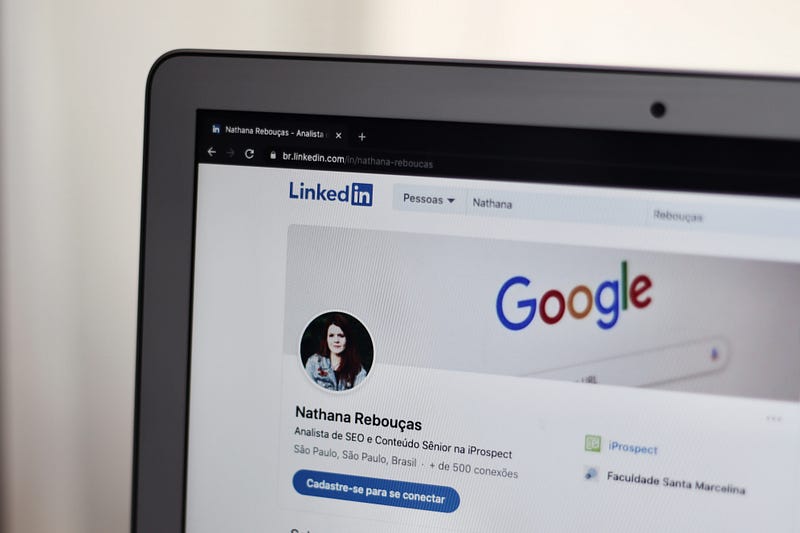
Your profile picture is your virtual first impression on LinkedIn. It’s what people see first when they come across your profile. Here are some key thumb rules to follow for your LinkedIn profile picture:
1. Attire — Dress the Part: Your attire should be appropriate for your profession. If you work in a corporate setting, consider wearing professional attire such as a suit or business attire. If you’re in a more creative field, your attire can be more relaxed, but it should still reflect your professionalism.
2. Solo Act — It’s All About You: Your LinkedIn profile picture should feature only you. Avoid using group photos or pictures with friends, family, or colleagues. This is your personal brand, so make sure you’re the sole focus.
3. Up-to-Date — Stay Current: The most critical thumb rule for your profile picture is that it should represent your current appearance. If you recently attended a conference or event and changed your hairstyle or appearance, update your picture accordingly. People from your network should easily recognize you when they meet you in person.
Cover Picture
Your cover photo on LinkedIn is an opportunity to showcase your expertise, interests, and personality. It’s the larger image that sits at the top of your profile. Here’s how to make the most of your LinkedIn cover photo:
1. Reflect Your Expertise: Your cover picture should align with your professional expertise and career aspirations. For example, if you’re a public speaker, consider a photo of yourself speaking at a conference. If you’re in sales, a picture of you explaining your product at an expo could be compelling.
2. Be the Star of the Show: While group photos can be suitable for your cover picture, you should be the focal point. Ensure that you are prominently visible and that viewers can easily identify you.
3. Keep It Fresh: Just like your profile picture, your cover photo should stay current. If your professional focus changes or you achieve a significant milestone, update your cover photo to reflect these changes.
In conclusion, when it comes to LinkedIn, there’s no room for debate about whether to include pictures in your profile. Having a professional and engaging profile picture and cover photo is essential to making a positive impression and attracting the right connections.

At KudosWall, we offer an AI-Powered Resume Builder that provides templates for resumes, with or without pictures, giving you the choice to decide what’s best for your traditional resume. However, when it comes to LinkedIn, we strongly recommend following the thumb rules outlined in this blog to ensure your profile stands out and helps you make meaningful professional connections. Your LinkedIn profile is your digital business card, so make sure it leaves a lasting impression!

Leave a Reply